
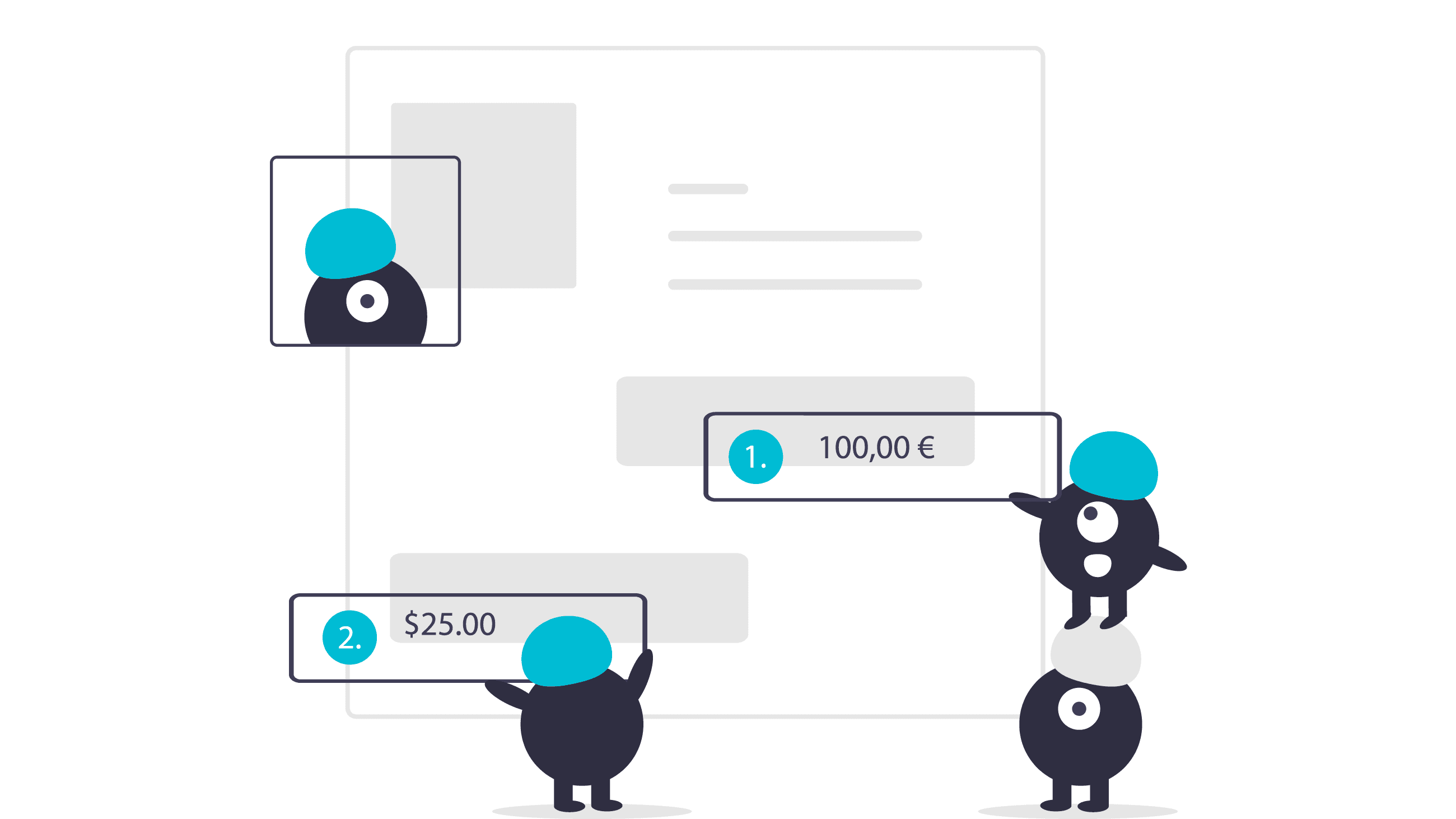
We’ve just added three new features that will allow you to go even further in customizing your quote and invoice layouts.
1. Option to add attachments before and after the document
In particular, this option will allow you to :
- add a cover page
- add your company’s brochure
- add your general terms and conditions of sale
These attachments will be visible in the final PDF document, as well as online, with the “Share document” feature, for example.
See the related article in the knowledge base.
2. Option to add the position of groups and entries
It’s often difficult to sift through quotes and estimates containing hundreds of lines when talking with a customer. This new feature adds a column to the table entitled “Position” indicating the number of each entry.
If a document contains several groups, they will automatically be numbered and the entries will have two-tiered numbering, for example :
1. 1.1, 1.2, 1.3
2. 2.1, 2.2, 2.3
This feature can be activated or deactivated for each document from the document’s settings. You can also change this setting by default for your future documents by going to:
- Settings > Quotes
- Settings > Invoices
Try Toolcie for free
Free plan available. No credit card required. Cancel anytime.
3. Price display with the currency symbol
You can now choose whether or not the prices in your documents should be shown with the currency symbol. This is convenient for currencies with a short symbol like the euro € or the dollar $.
This setting is found in the layout template for your documents on the “Groups” tab.

Founder of Toolcie
Clément founded Toolcie in 2018 because he couldn’t find the software he needed. He keeps a close eye on the regulatory changes shaping professional invoicing.
View LinkedIn profileRelated articles


Start your 14-day free trial
Join more than 2,000 professionals who save time every day with Toolcie.
Free plan available. No credit card required. Cancel anytime.