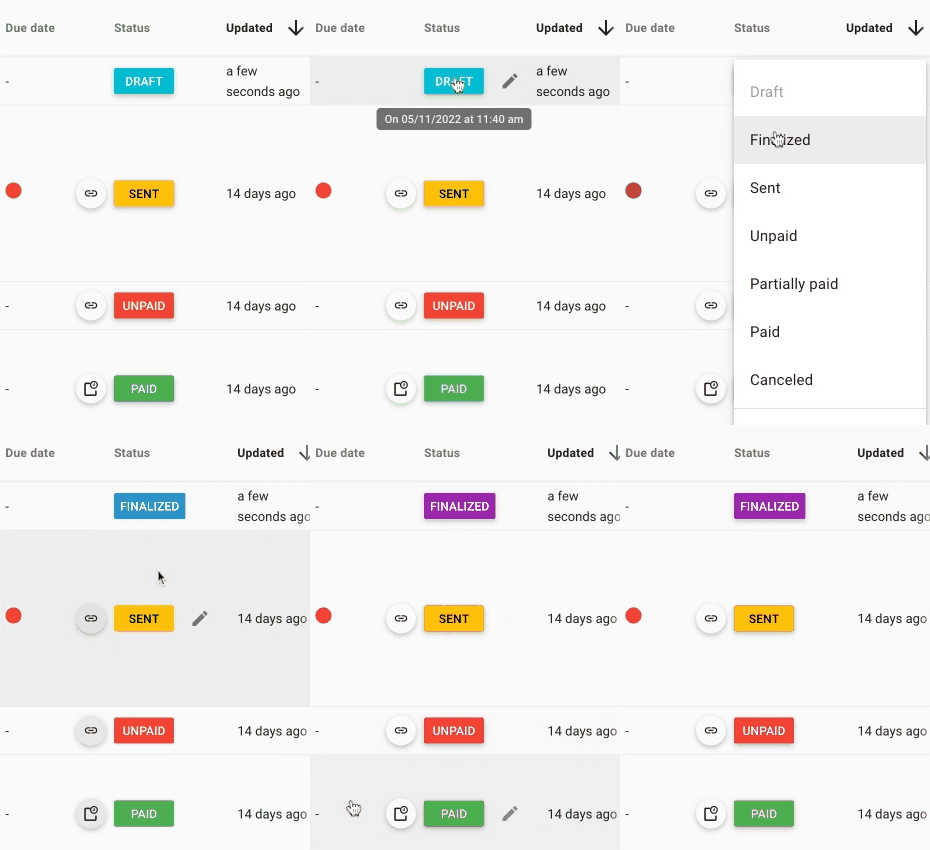
At any time, you can manually change the statuses of your documents, including canceling an invoice, changing its status to sent, or adding confirmed status to a quote.
To do this, go to the page listing your documents, then click on the color-coded label indicating the document’s status. When you click on it, you can select a new status.