on Capterra

Free invoice templates to customize and install

15 base templates, unlimited possibilities. Deposits, recurring billing, credit notes: a single template covers every invoice type. No file to download, everything happens inside Toolcie.
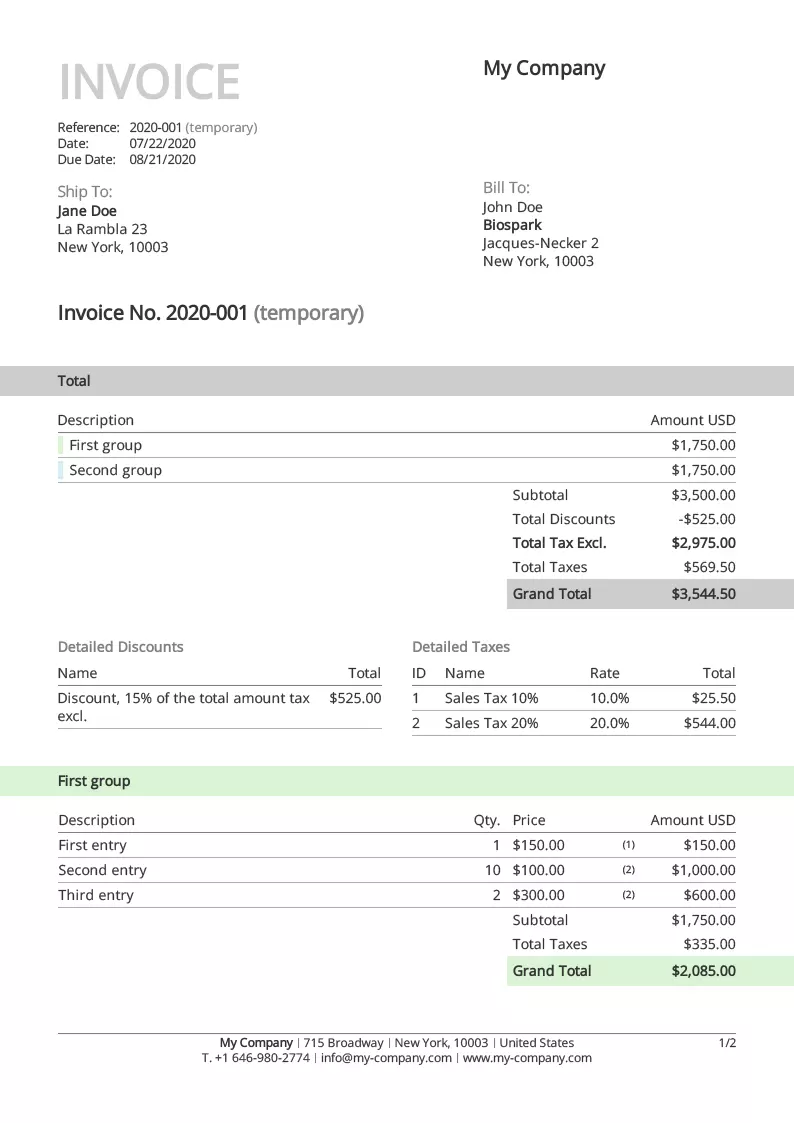
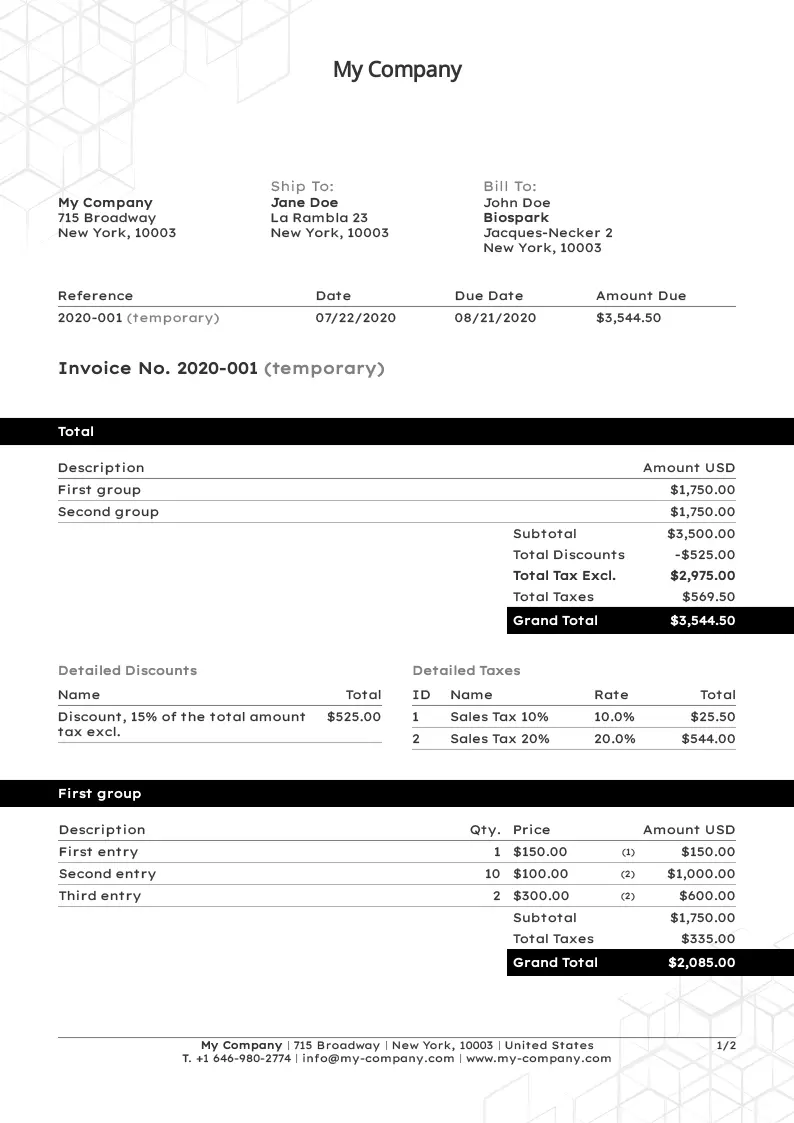
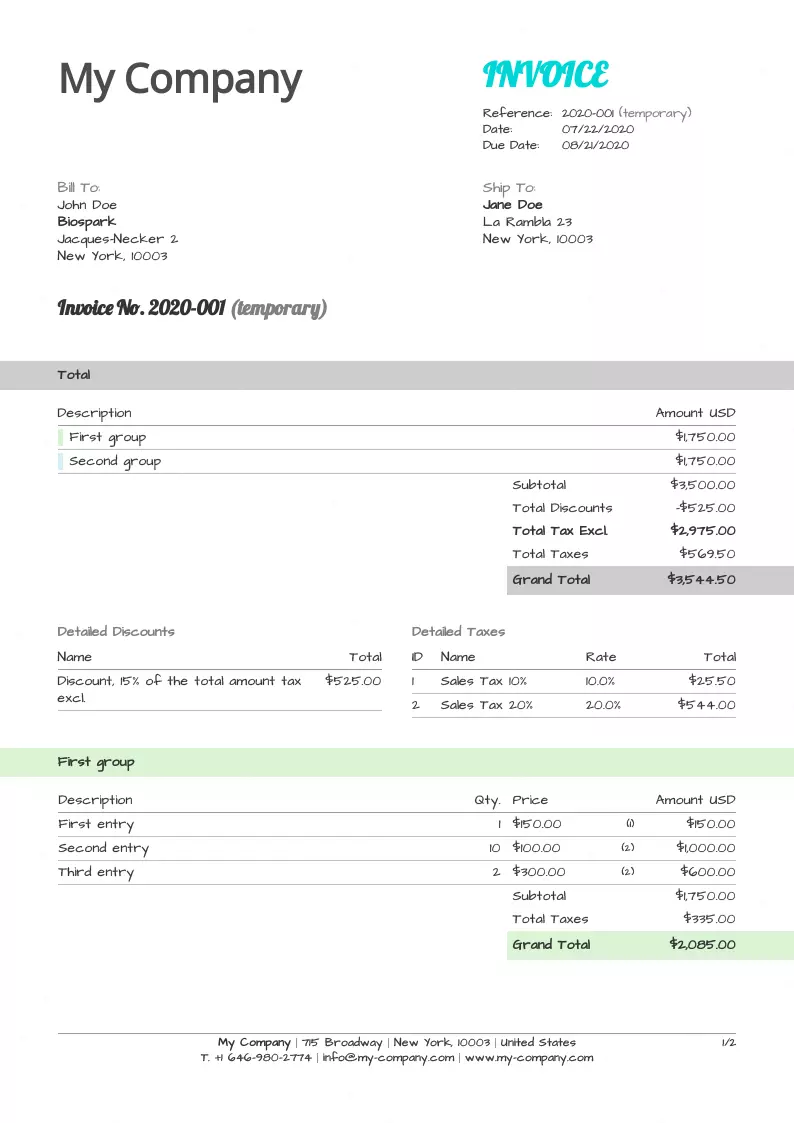
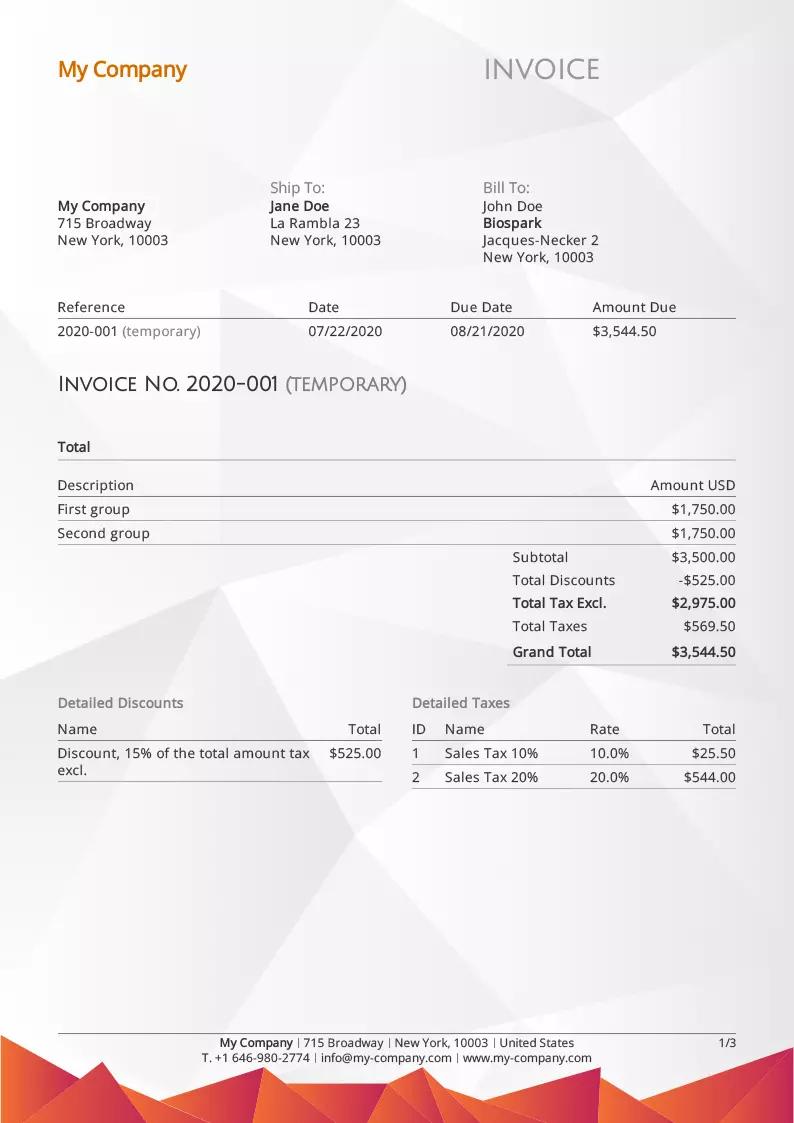
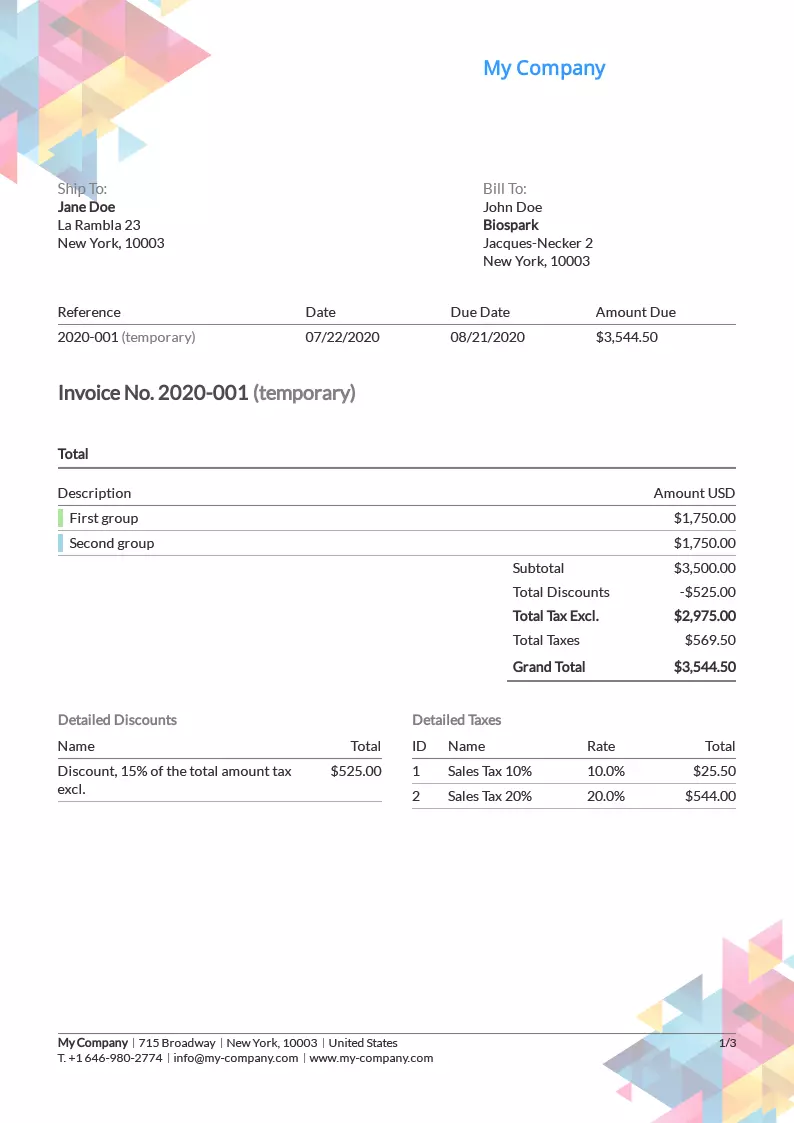
Invoice template Classic

Classic

Install
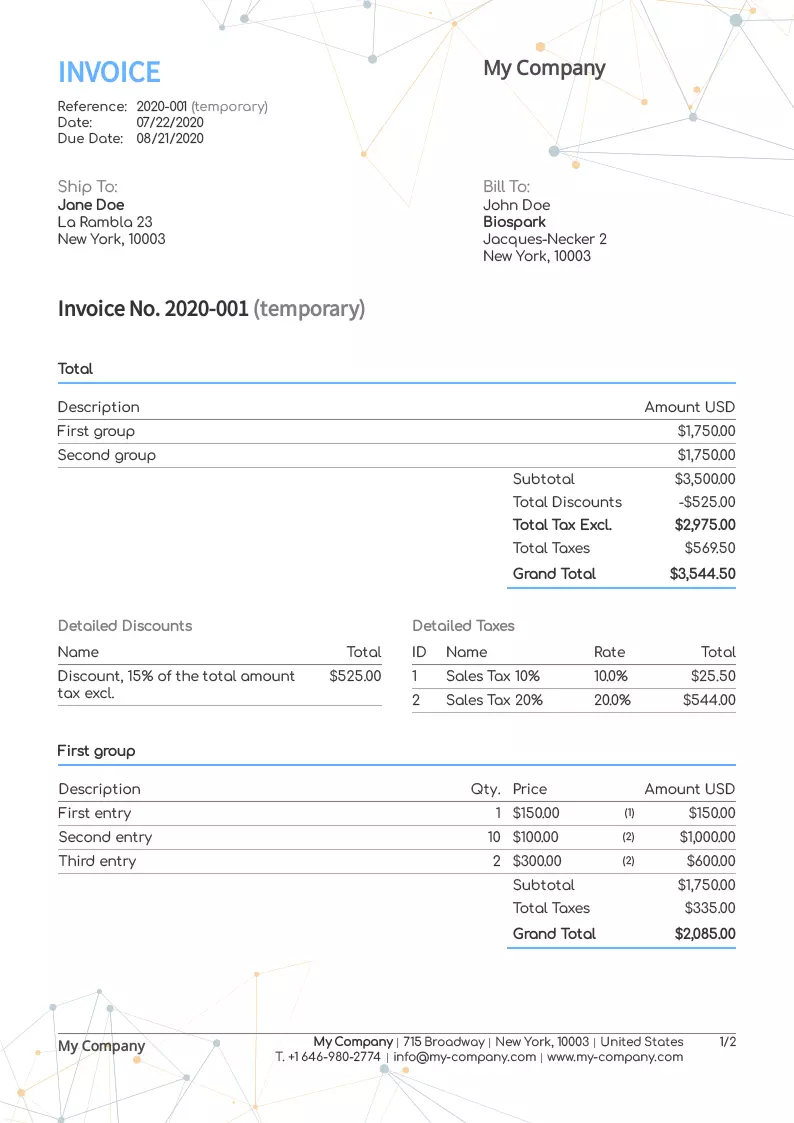
Invoice template Black Print

Black Print

Install
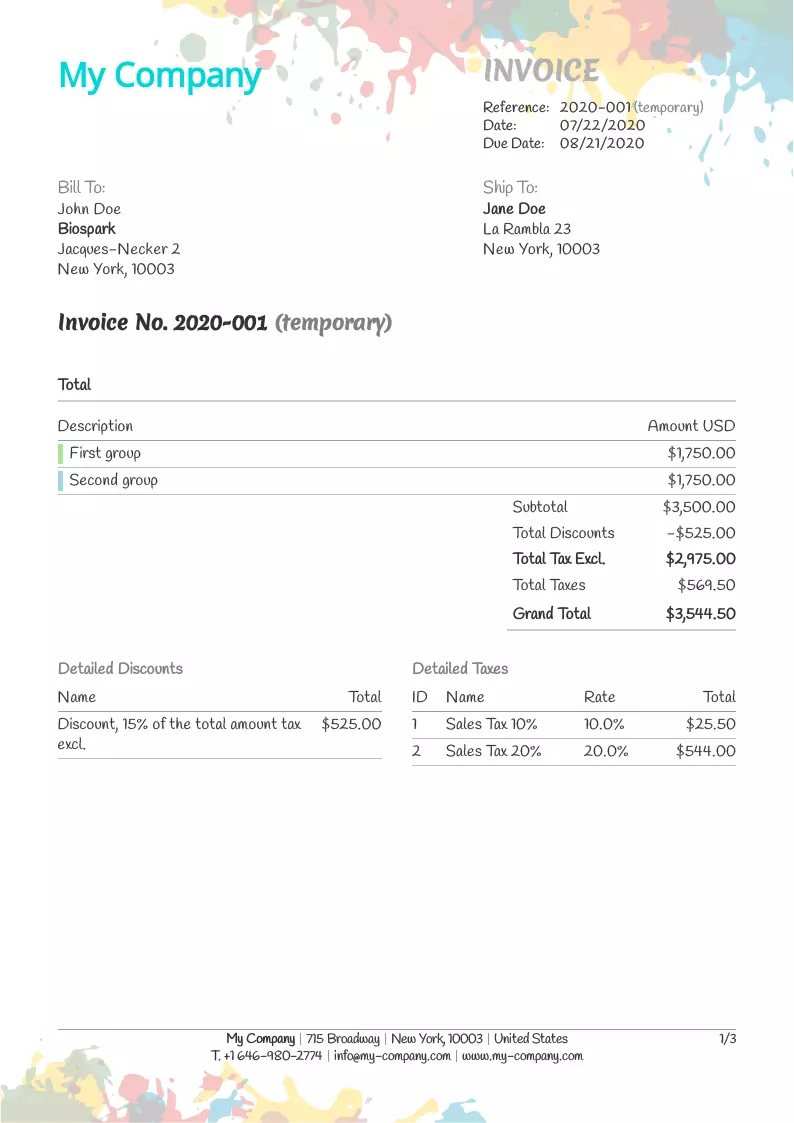
Invoice template Happy

Happy

Install
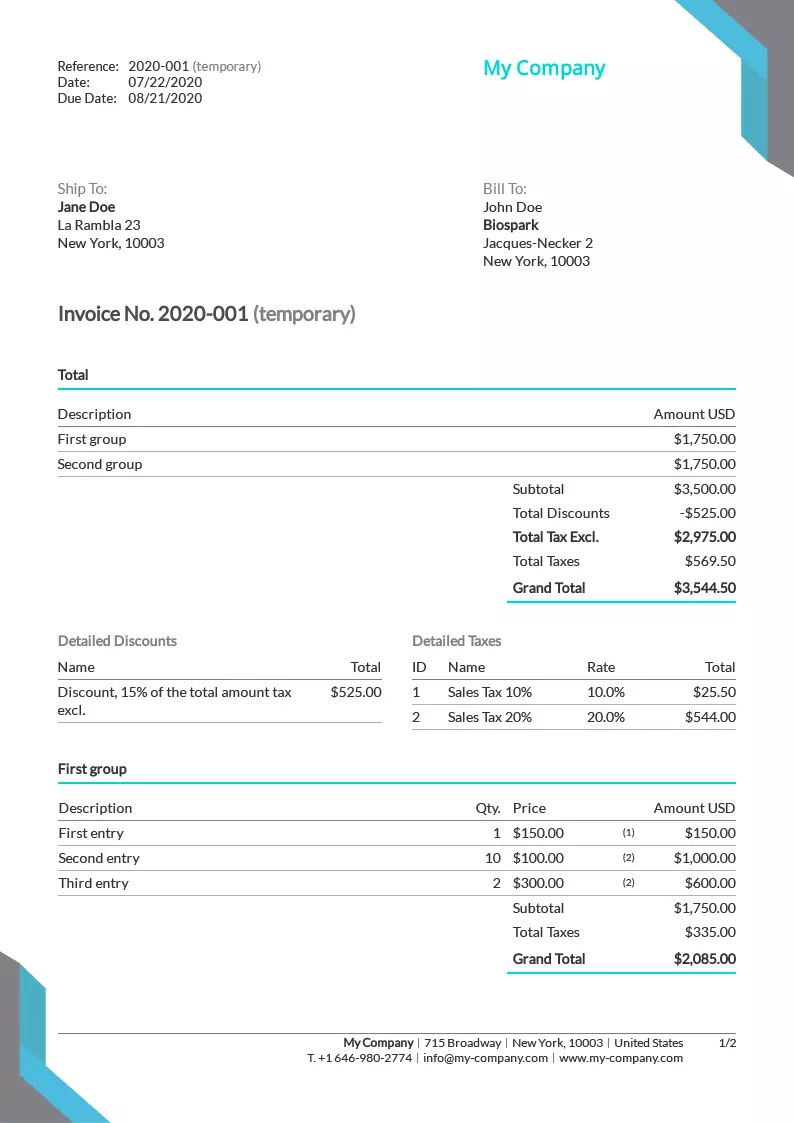
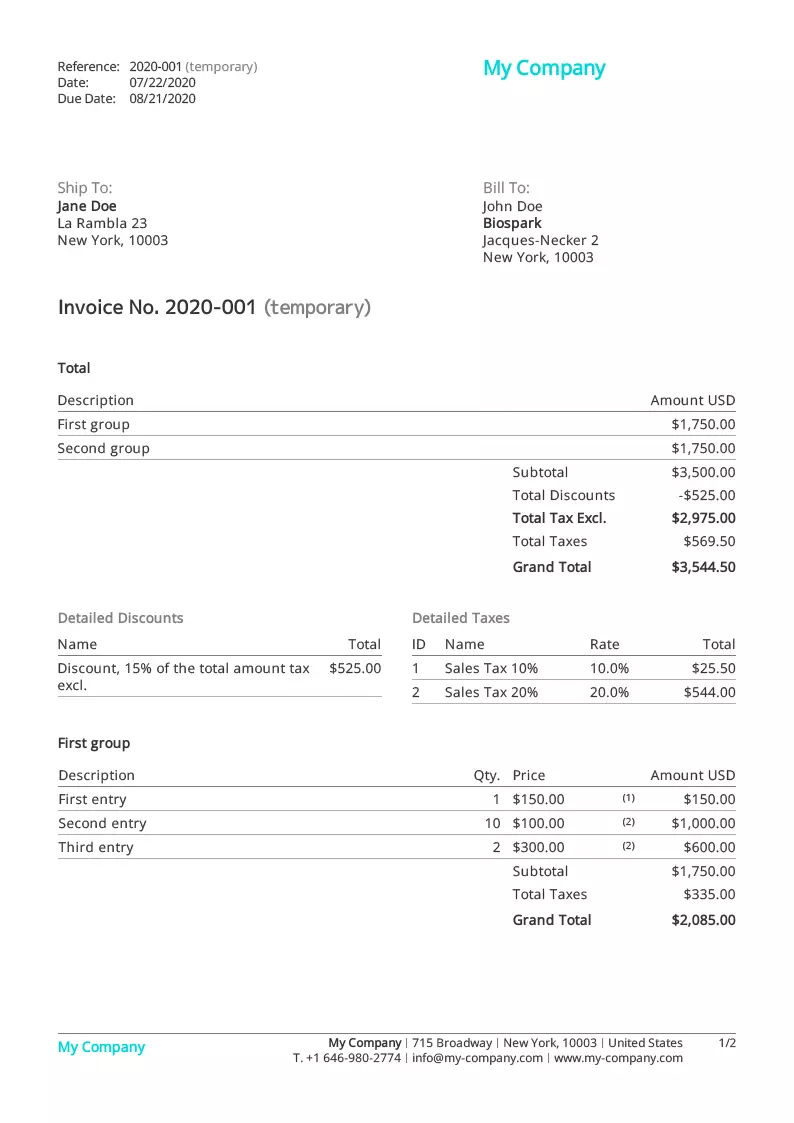
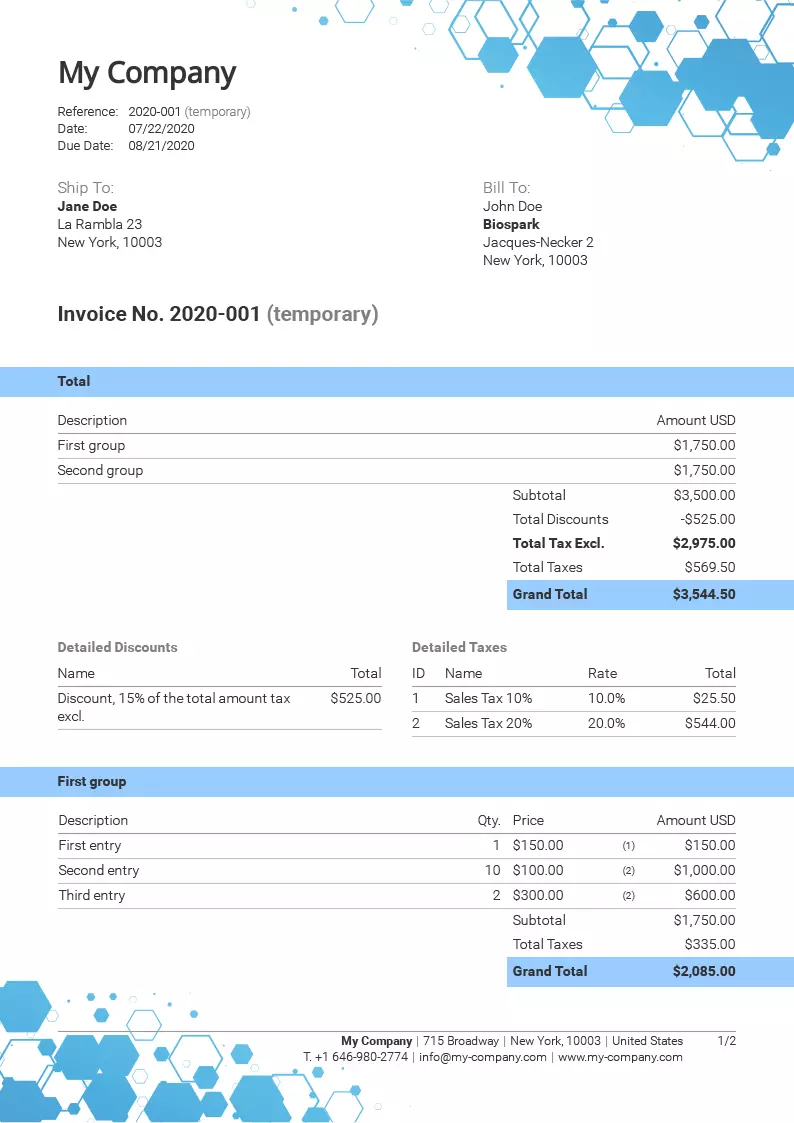
Invoice template Turquoise

Turquoise

Install
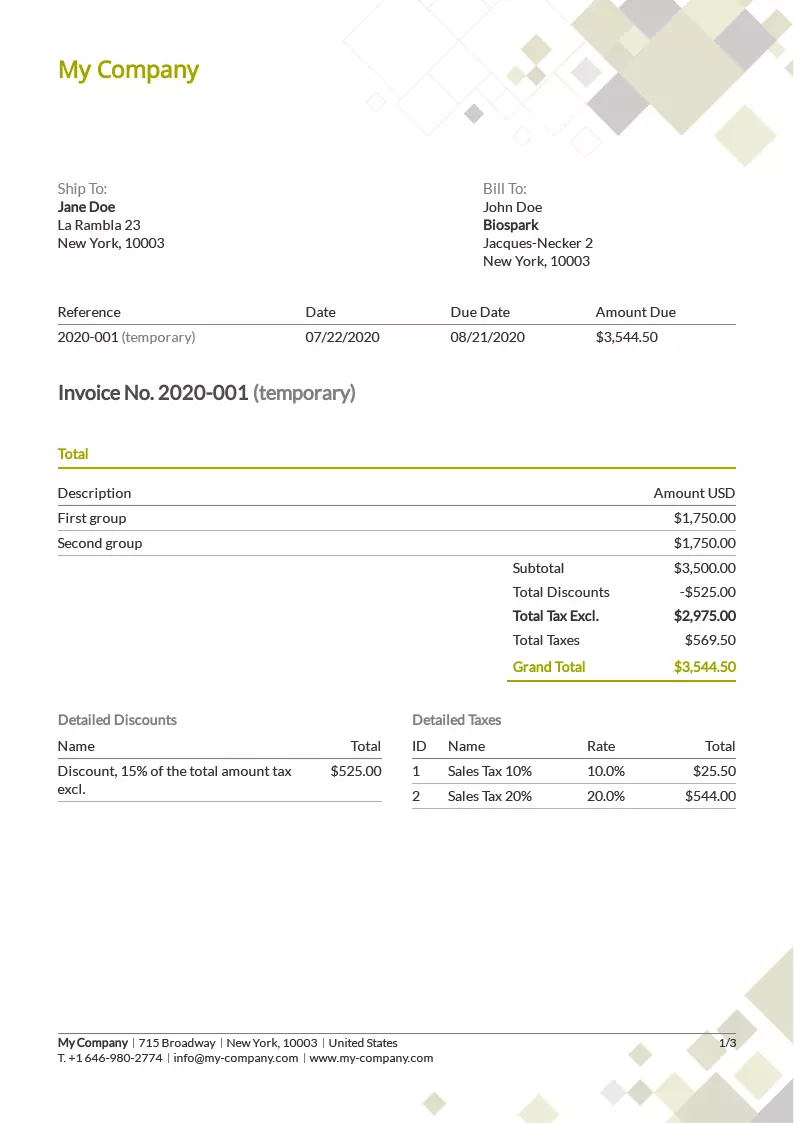
Invoice template Green

Green

Install
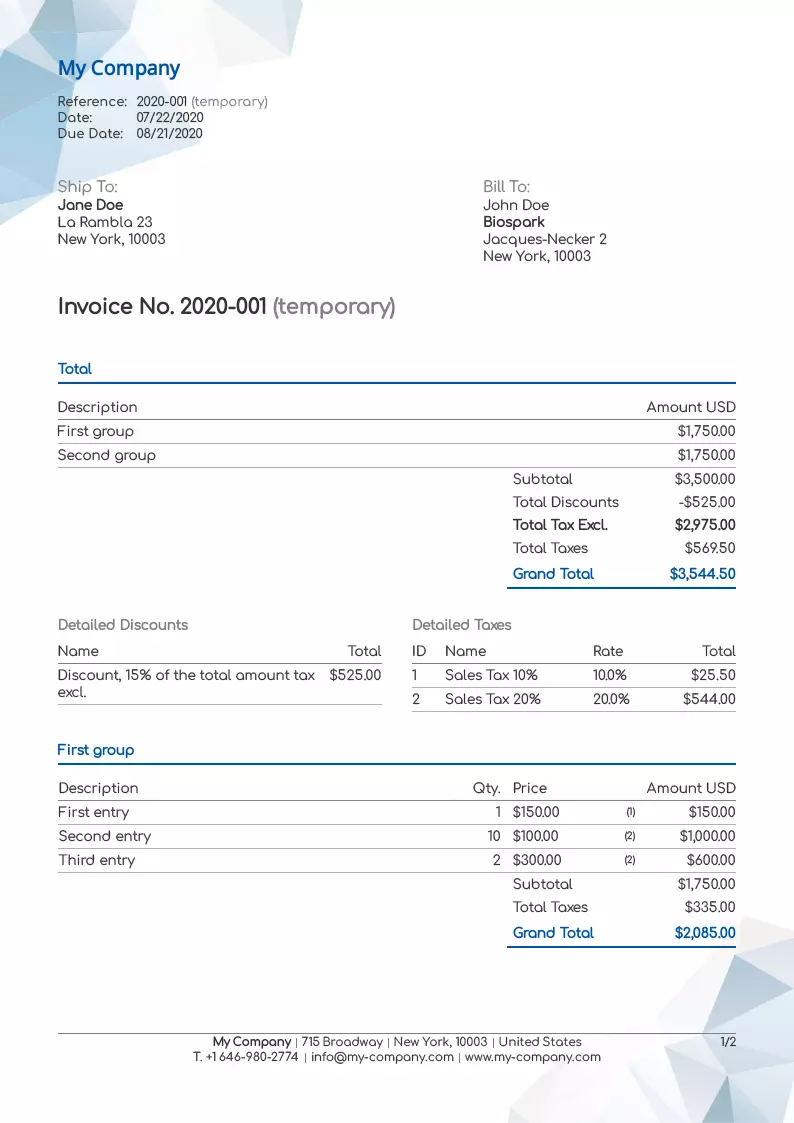
Invoice template Mountains

Mountains

Install
Invoice template Digital

Digital

Install
Invoice template Painting

Painting

Install
Invoice template Simple

Simple

Install
Invoice template Triangular

Triangular

Install
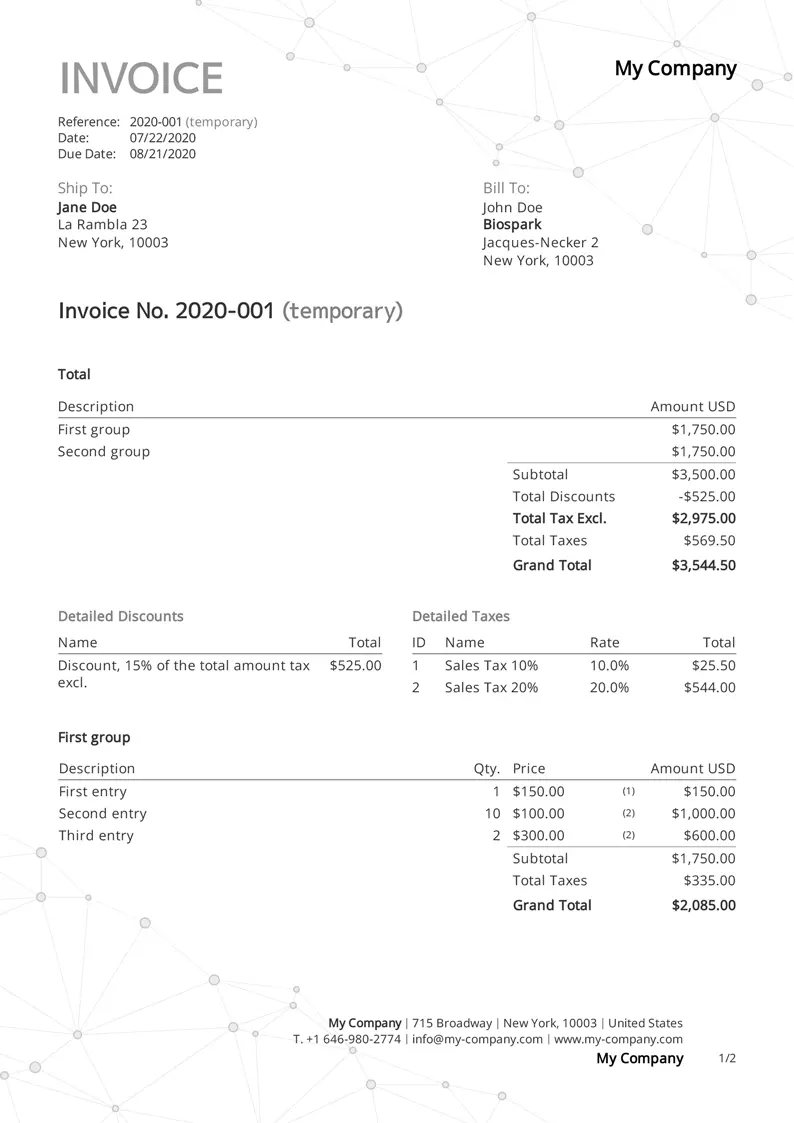
Invoice template Network

Network

Install
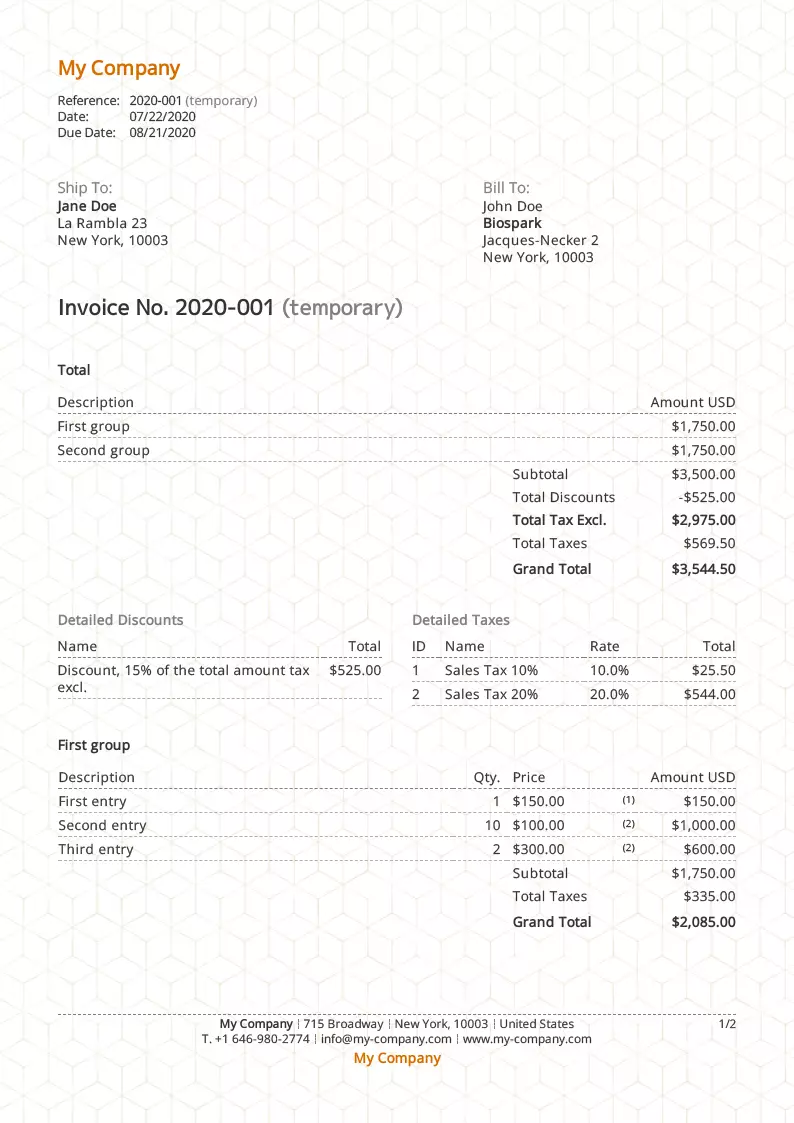
Invoice template Cubes

Cubes

Install
Customization

Templates entirely your own

Every template is a starting point, not a finished result. Colors, fonts, logo, background, element placement: everything is edited right inside Toolcie, with no technical skills required. Each template can spawn as many variants as you like: one style for your standard invoices, another for your deposit invoices, and another for a specific client. And installing them is unlimited and completely free.

  • 900+ fonts available
  • Text, background, and border colors
  • Your company logo, with adjustable size
  • Header, footer, and overall pattern backgrounds
  • Importable letterhead
  • Attachment before or after the document (cover page, brochure)
  • Precise placement of the client address
  • Hide or move any element

Like Excel and Word, but better

Imagine a tool with the calculation power of Excel and the layout ease of Word, but built for editing your professional invoices. With Toolcie, you never have to worry about page breaks, calculation errors, forgetting a required legal notice, or staying compliant. Everything is handled automatically.
Why Toolcie for your invoices?

A template for the look, invoicing software for everything else.

Built-in online payment

Your clients pay directly from the invoice, by card, bank transfer, or in installments. No more chasing account details.

Due-date alerts

Get notified when an invoice is approaching its due date. Send a reminder in one click, with no manual tracking.

Deposits, credit notes, and recurring

A single template covers every document type. Toolcie automatically adjusts the layout and legal notices based on what you’re creating.

Recurring invoices

Set up an invoice to be recreated automatically at the frequency you choose. A draft is generated; you send it when ready.

Legal archiving included

Every invoice is stored and accessible at any time on secure servers, with no expiry.

Revenue and tax report

Track your revenue and taxes directly in Toolcie. Export to PDF or CSV for your accountant in one click.

How does it work?

Three simple steps to install and use your free invoice template.

1

Choose your template

Browse the library and click “Install” on the one that fits you

15 templatesFull previewFree install
2

Create your account for free

Signing up takes a few minutes, no credit card

No commitmentFree accountInstant access
3

Your invoice is ready

The template is applied to your account automatically, customizable at will

Ready to use100% customizableUnlimited variants

Even more features

A Toolcie template comes with all of these invoicing features included

Real-time PDF preview

See the final layout without generating a file. Exactly what your client will see.

Secure sharing link

Share a direct link to your invoice. Your client accesses it from any device, no account needed.

Send by email

Send directly from Toolcie with a customizable message. No switching between your inbox and your software.

Credit note and reminder in one click

Convert an invoice to a credit note or reminder directly from the list. Choose the amount to apply.

Multi-group structure

Your quote’s structure carries over when you convert to invoice. Groups and subtotals are maintained automatically.

Partial payments

Manage deposit invoices and partial payments on a single invoice. The remaining balance recalculates in real time.

Multiple discounts and fees

Apply several discounts and fees per line or per group, as a fixed amount or percentage.

Custom fields

Add internal or public information to each invoice, based on your business needs.

Multiple tax rates

Handle several tax rates on the same document. Detailed, compliant breakdown based on your location.

Multi-currency

Bill in USD, GBP, EUR, and many other currencies for international clients.

Multilingual

Generate invoices in English or French based on your client’s language. One template, two languages available.

Terms and conditions

Display your terms at the top and bottom of the page. Preferences are saved per template.

Linked documents

Find the full chain from quote to invoice to credit note in one click. Intuitive navigation between linked documents.

Custom document label

Call it Invoice, Fee Note, or any other term. Document types are fully customizable.

Collaborative work

Work in real time with your partners and employees, with customizable access rights.

Tags and labels

Organize and find your invoices instantly with custom tags.

Results that speak for themselves

Join the professionals who have already accelerated their business

+2,000

Professionals

Freelancers, contractors, and businesses trust us

+500,000

Invoices generated

Thousands of invoices created every month with Toolcie

15

Templates available

Fully customizable and free to install

They love Toolcie

Professionals from every industry share their experience

I use Toolcie almost every day and it's very straightforward once you know it. You can maintain a fixed product catalogue and edit items directly on the quote. A real time-saver.

GA

Gaëlle A.

Retail · Small business

The software is intuitive, easy to learn, and saves time when preparing quotes. My overall experience with Toolcie has been very positive.

TT

Tejsir T.

Construction · Self-employed

I appreciate how easily the software adapts to almost any visual style and type of business, as well as a very responsive customer support team for any request.

SJ

Sergiu J.

Civil engineering · Small business

Simple, transparent pricing

Start for free, upgrade as you grow

Free

To get started

$0 /mo

  • 3 quotes and 3 invoices / month
  • 20 contacts and 20 items
  • 15 document templates
  • Real-time PDF preview
  • Send by email
  • Mobile and desktop app
  • Email support
Start for free

Basic

For freelancers

$8 /mo

Billed yearly

  • 10 quotes and 10 invoices / month
  • Unlimited contacts and items
  • Electronic signature
  • Online payments
  • E-invoicing
  • White label
  • Free read-only users
Start for free
Most popular

Pro

For teams

$14 /mo

Billed yearly · per user

  • Everything in Basic +
  • Up to 25 users
  • Unlimited quotes and invoices
  • Roles and permissions management
  • Real-time collaborative editing
Start for free

Enterprise

Custom

Custom

  • Everything in Pro +
  • Unlimited users
  • Phone support
  • Custom development
  • CRM / ERP connector
Contact us

14-day free trial · No credit card required · Cancel anytime

Frequently asked questions

Everything you need to know about Toolcie templates

Yes. Toolcie templates include every field needed for a compliant invoice: issuer details, automatic numbering, issue date, tax rates with automatic calculation, a tax-exemption note when applicable, payment terms, and more. You enter your information once, and Toolcie applies and formats it on every document. Exact requirements vary by country and activity, and the templates adapt to your context.

No download is needed. Toolcie doesn’t rely on Word or Excel files you download. When you click “Install,” you create your account and the template is automatically set up in your online workspace. You work directly in the web app.

Yes. By default, the same template applies to your invoices and your quotes for perfect visual consistency. You can also set a specific template for each document type if you want to tell them apart.

Yes. A single template covers all your document types: standard invoices, deposit invoices, credit notes, and recurring invoices. Toolcie automatically adapts the layout and legal notices to the document type you’re creating, with no extra configuration.

Yes, absolutely. Every template is free to install. You can install as many templates as you want and create as many custom variants as you need. To create your invoices without limits, the 14-day free trial gives you access to every Pro plan feature, no credit card required.

From your Toolcie account, you can import your logo, choose your colors, change the typography, and use your own letterhead. Every template is fully customizable: you can create as many variants as you need, for example one style for your standard invoices and another for your deposit invoices.

Yes, that’s exactly the point! Each template is a starting point you can spin into as many versions as you like: one style for your standard invoices, another for your deposit invoices, and another for a specific client. Customization is unlimited and free.

Yes, you can install and switch templates anytime from your Toolcie account. You can even use several different templates at once, depending on your needs.

Start your 14-day free trial

Join more than 2,000 professionals who save time every day with Toolcie.

Free plan available. No credit card required. Cancel anytime.

Professional invoice template: a pre-formatted base with layout and legal notices

An invoice template is a pre-formatted document base that lets you create fast, consistent, professional invoices without starting from scratch every time. It defines the layout, colors, typography, and placement of key information: contact details, line items, totals before and after tax, and required legal notices.

Legal notices on a professional invoice: what Toolcie templates include

A professional invoice should generally include: the invoice number, the issue date, the full details of the issuer and the client, a precise description of the work, unit prices, the applicable tax rates, the total including tax, and the payment terms. Exact requirements vary by country and type of activity. Toolcie templates adapt to your context and include these areas by default so nothing is forgotten.

Invoice template vs Excel or Word: what the software automates

Excel and Word can produce invoices, but they aren’t built for it. Page breaks are unpredictable, formulas break easily, and required legal notices are often forgotten. Software like Toolcie handles these constraints natively: automatic calculations, numbering, archiving, and compliance are taken care of with no extra effort.

Free invoice template vs invoicing software: what changes in practice

A Word, Excel, or PDF template is a static file: you fill it in by hand for every new invoice and manage numbering, totals, and archiving yourself. Invoicing software like Toolcie automates all of that: continuous numbering, tax calculation, payment tracking, due-date notifications, and centralized archiving. Toolcie templates combine both: a fully customizable look and all the power of software running behind the scenes.

Invoice templates for every sector: tradespeople, freelancers, businesses, and agencies

Yes. Toolcie templates are designed for tradespeople, freelancers, agencies, businesses, and every service sector. You can customize column headings, add units specific to your trade, and adjust tax rates to match your activity. Each template is a starting point you adapt to your brand: logo, colors, typography, letterhead. The result is an invoice that looks like you, with no technical skills required.

Invoice templates for freelancers and the self-employed: specific notices preconfigured

Yes. Whether you work as a freelancer, a sole trader, or a single-member company, Toolcie templates adapt to your situation. The self-employed often have specific obligations depending on their country and status: tax exemption, particular notices, strict numbering. Toolcie includes these areas by default and configures them based on your activity when you create your account, with no manual setup.