
Free quote templates to customize and install
15 base templates, unlimited possibilities. Pick a template, make it your own, and send quotes to your clients. No file to download, everything happens inside Toolcie.
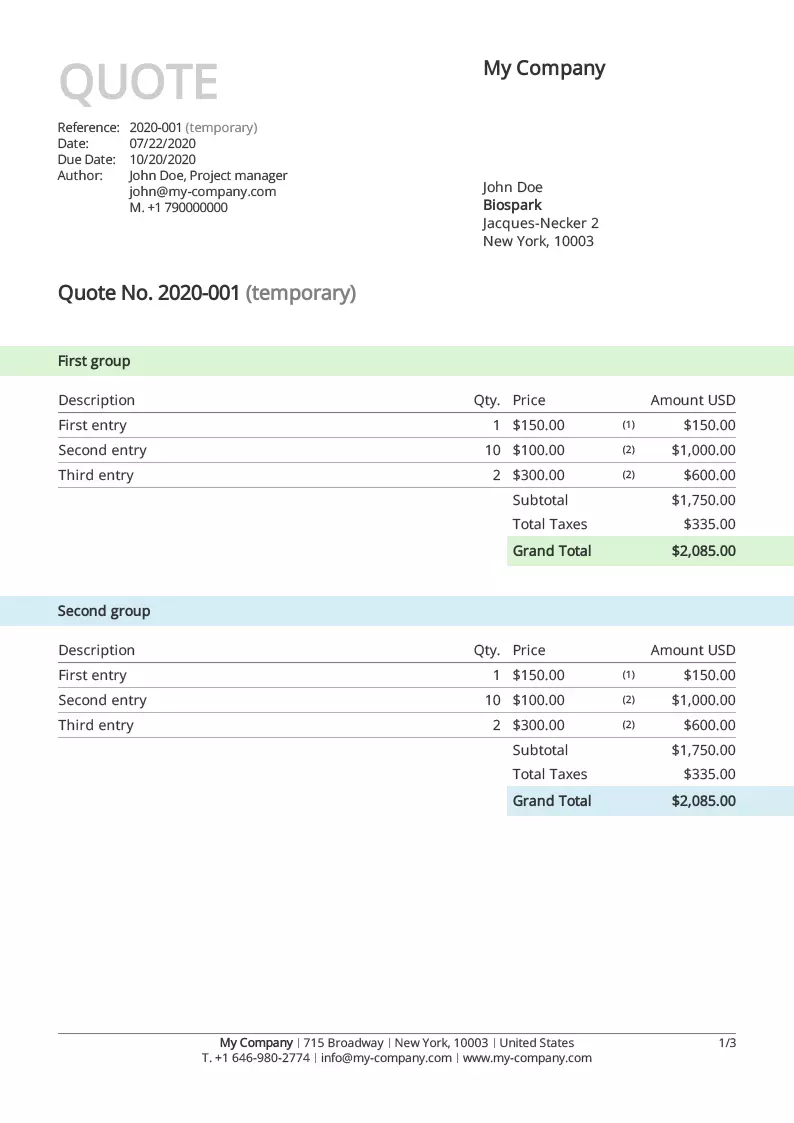
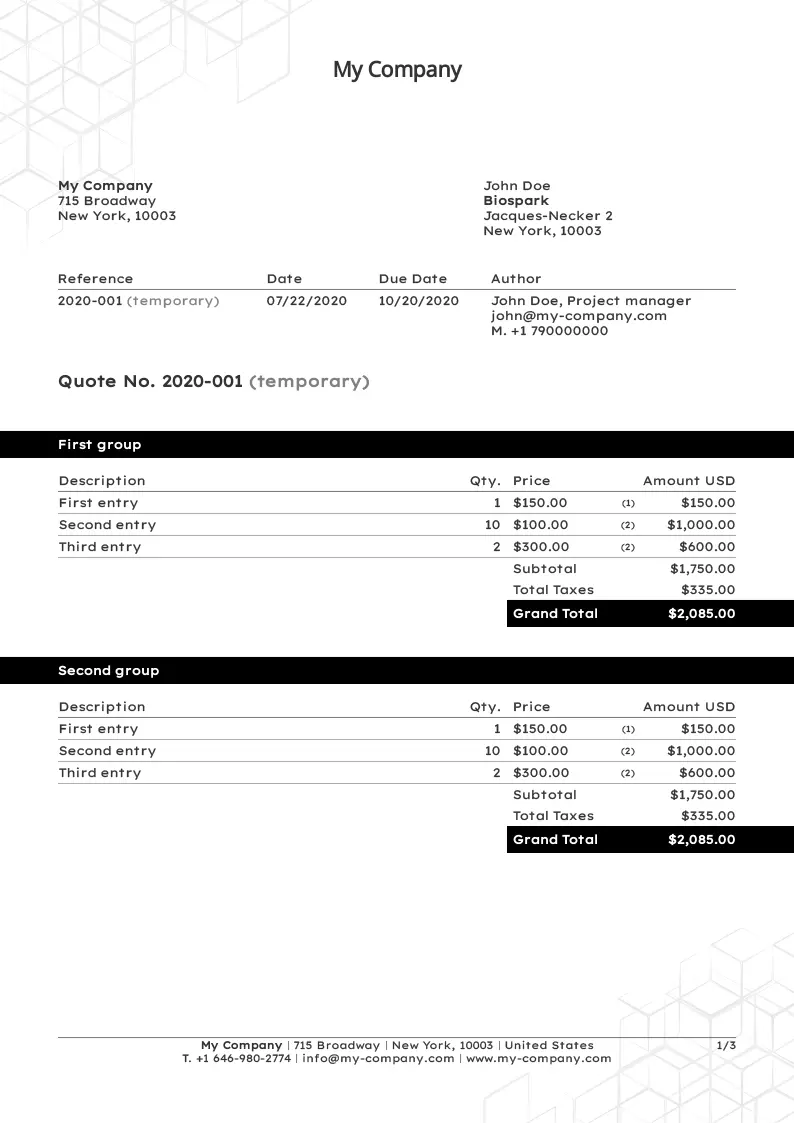
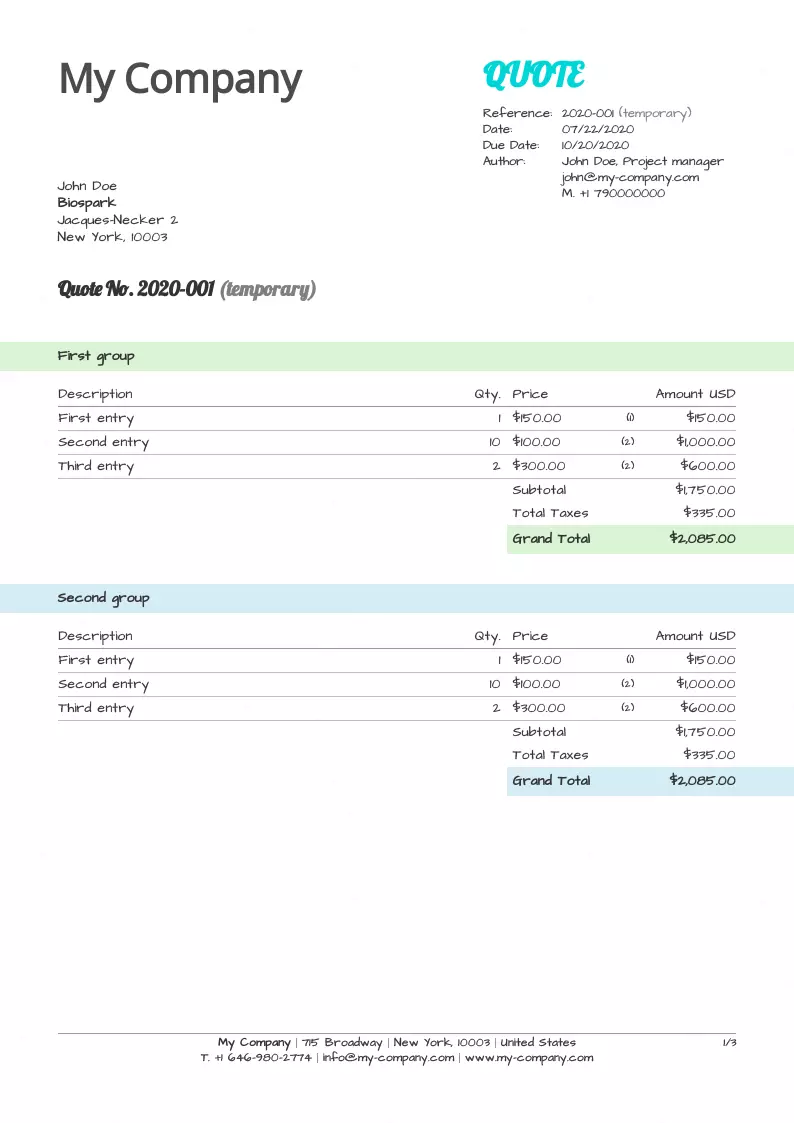
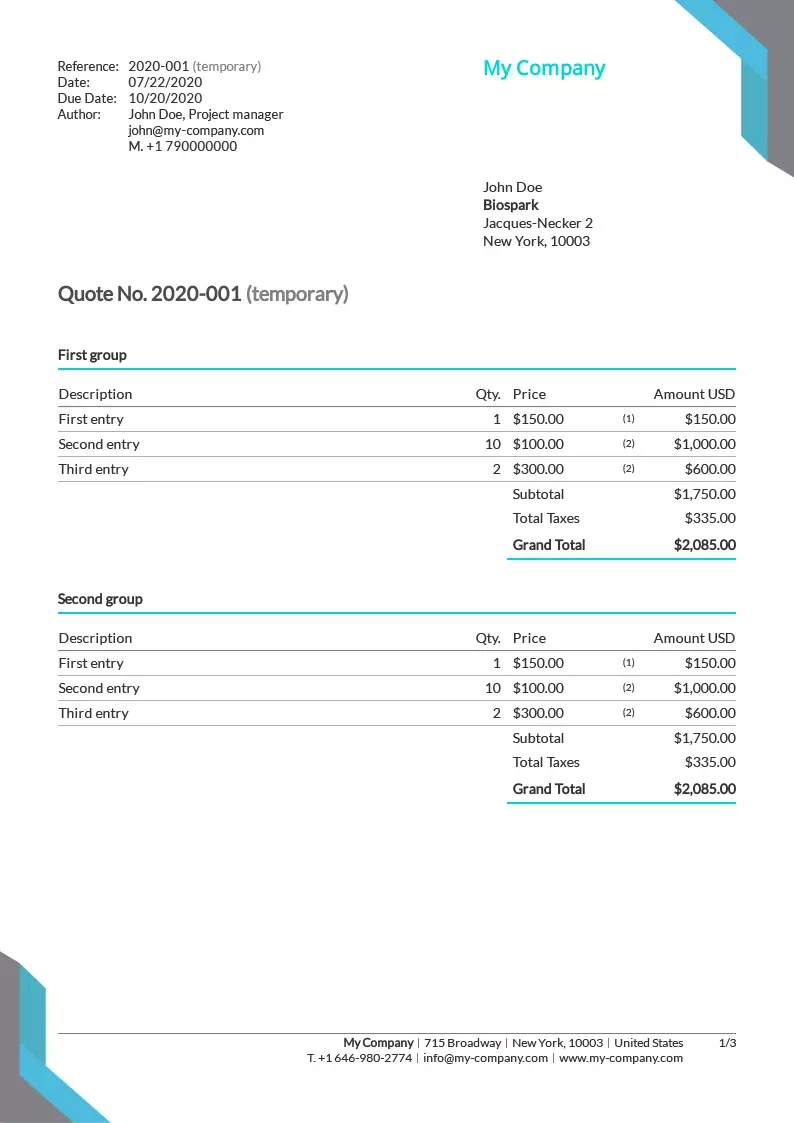
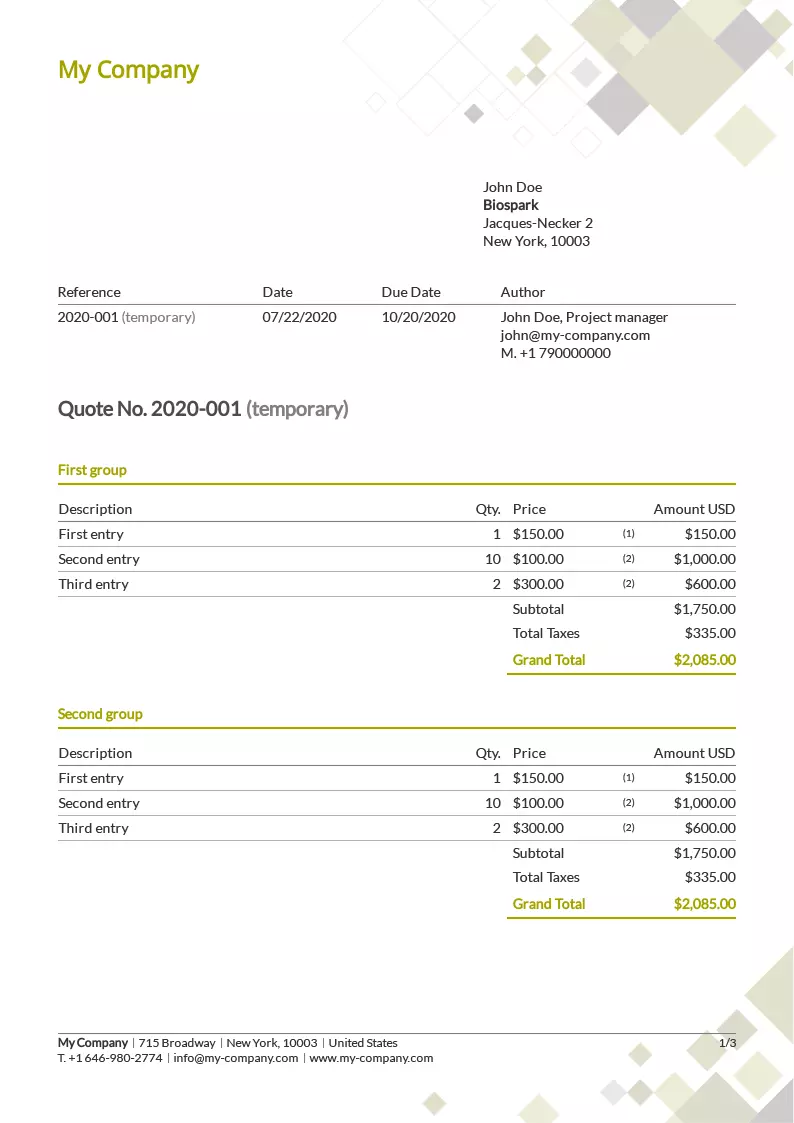
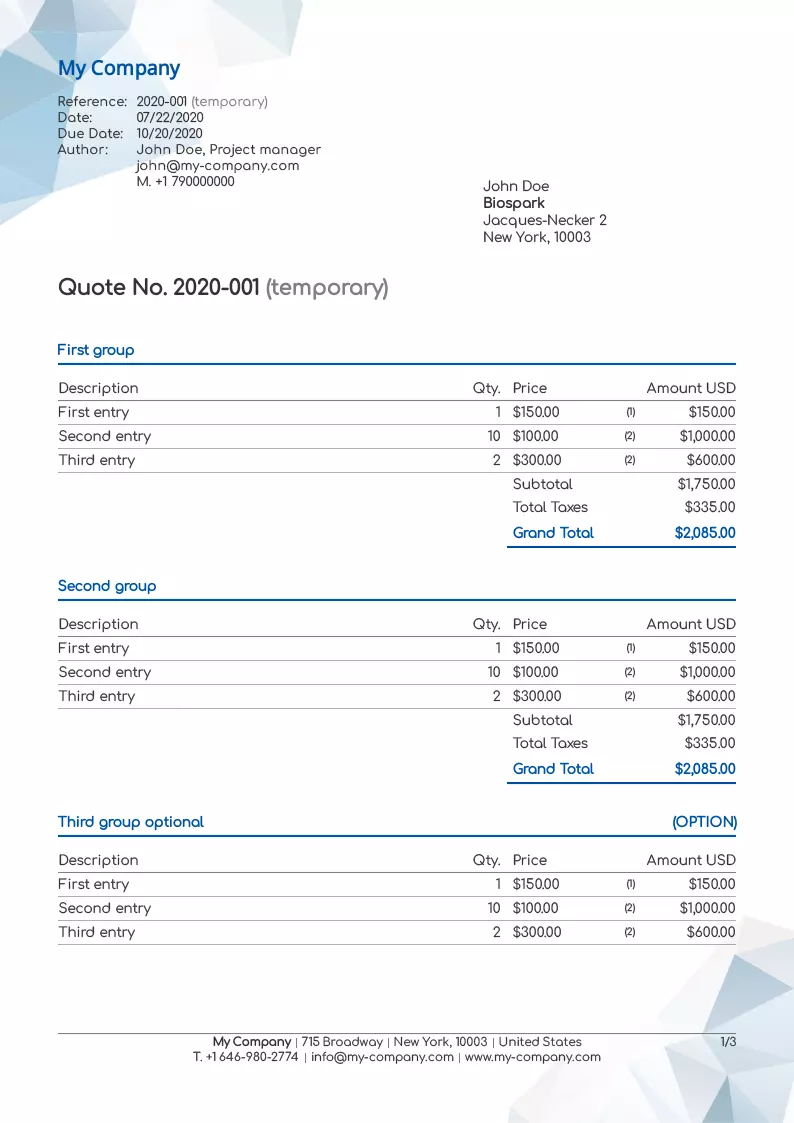
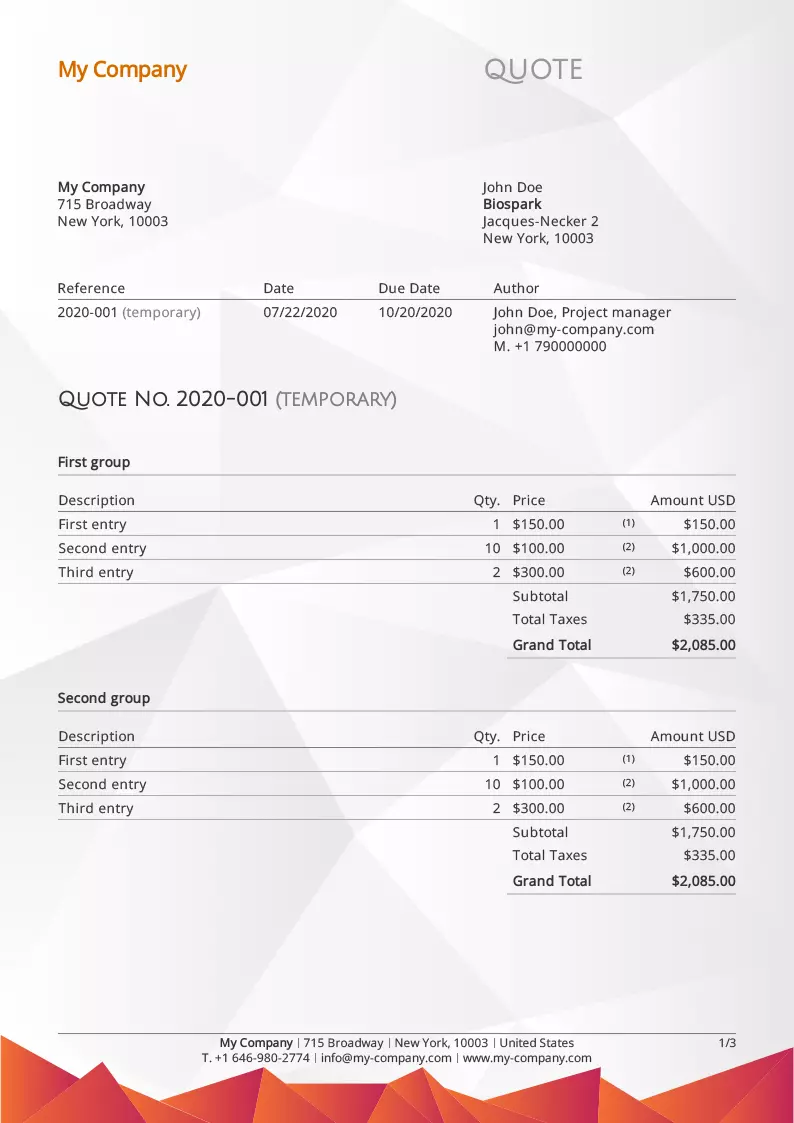
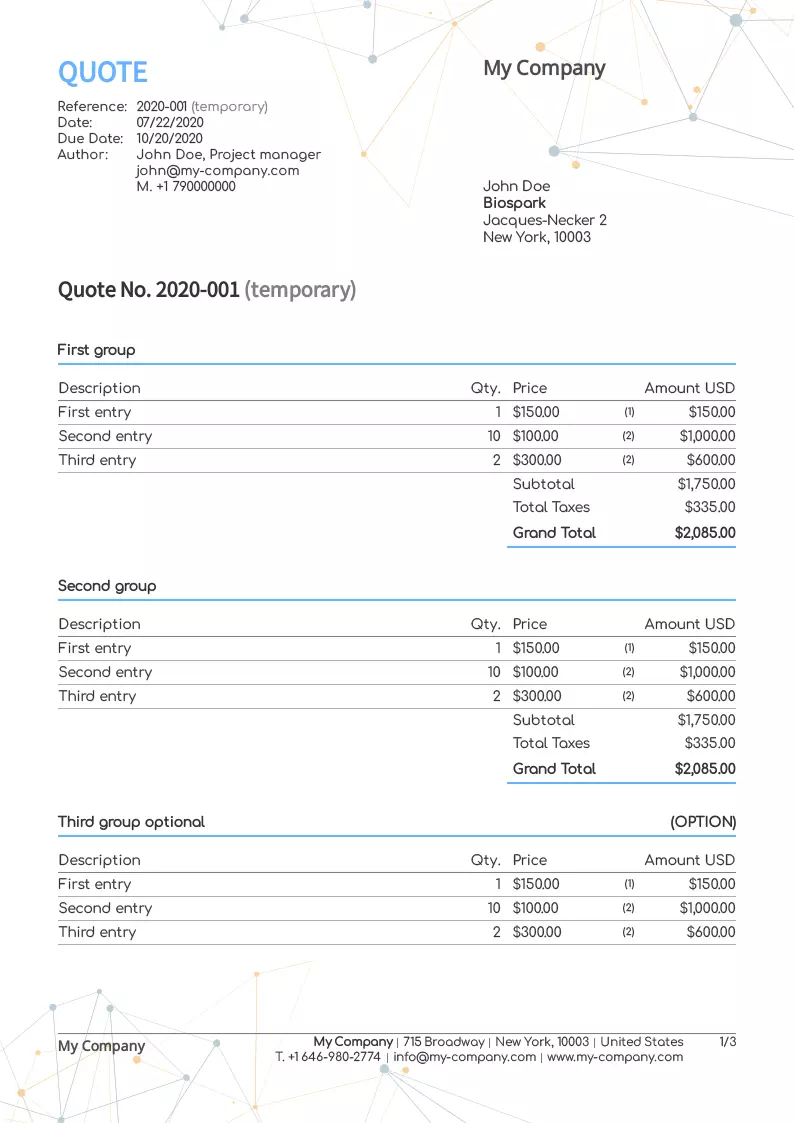
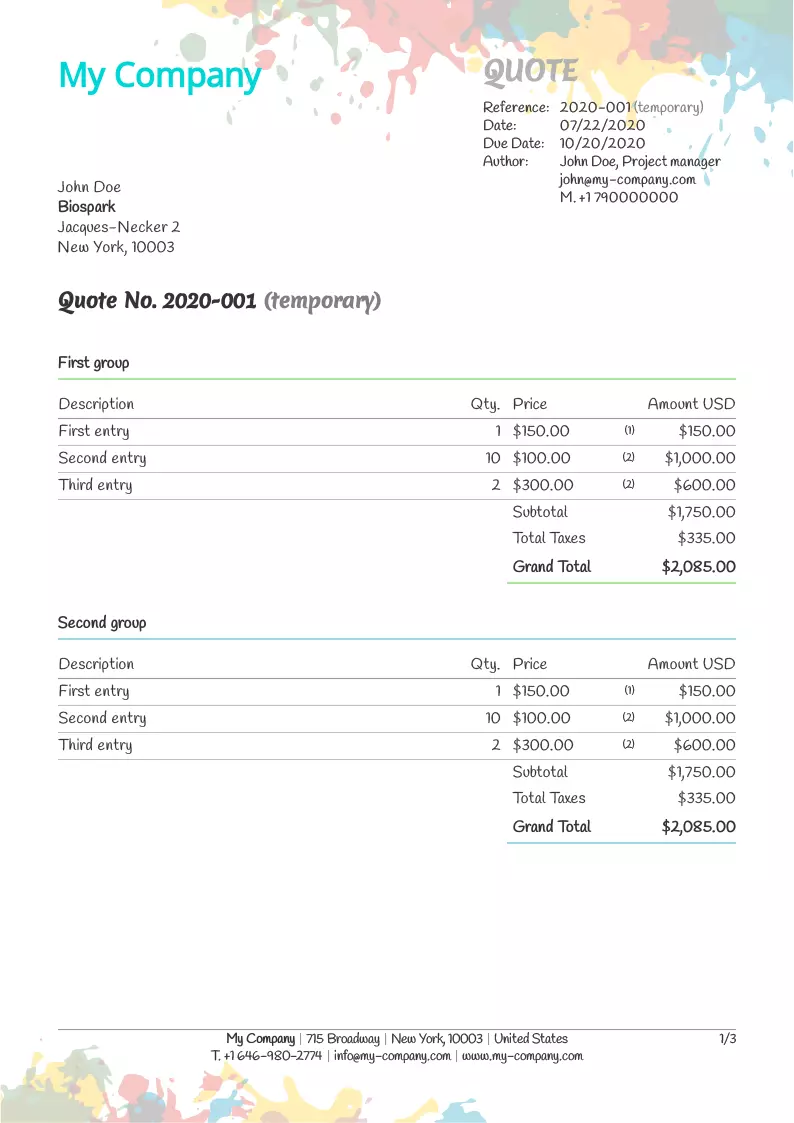
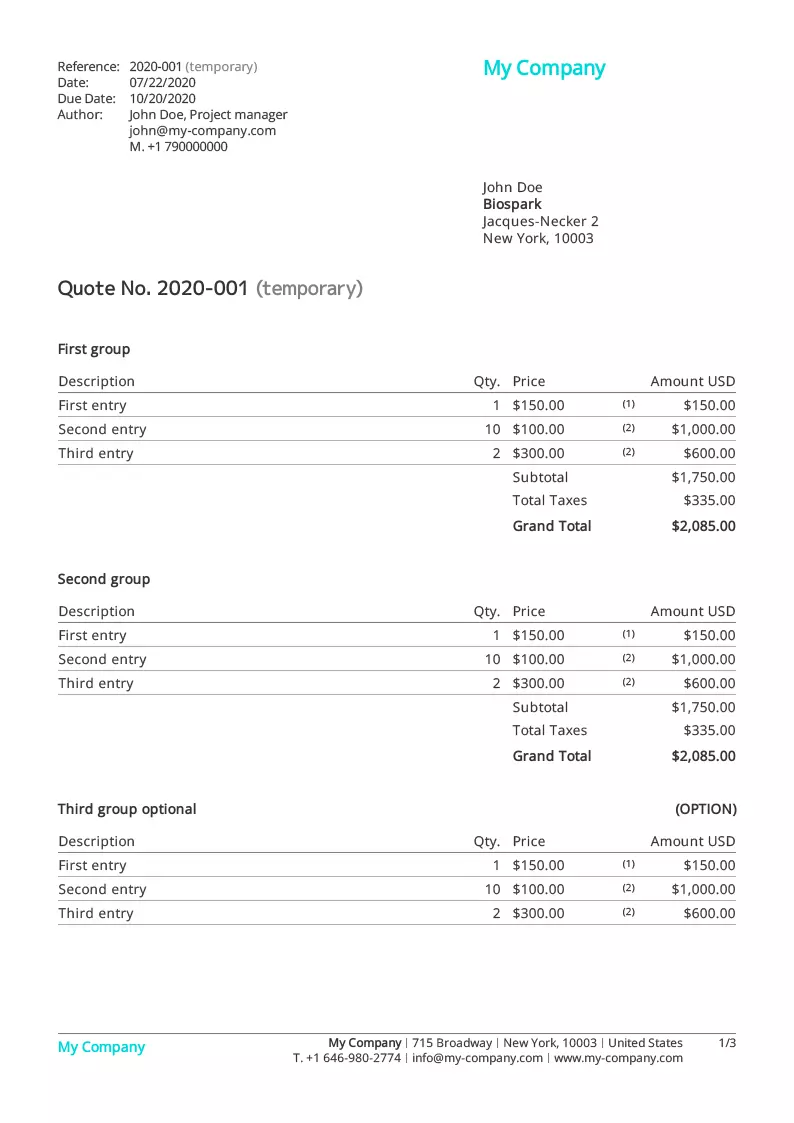
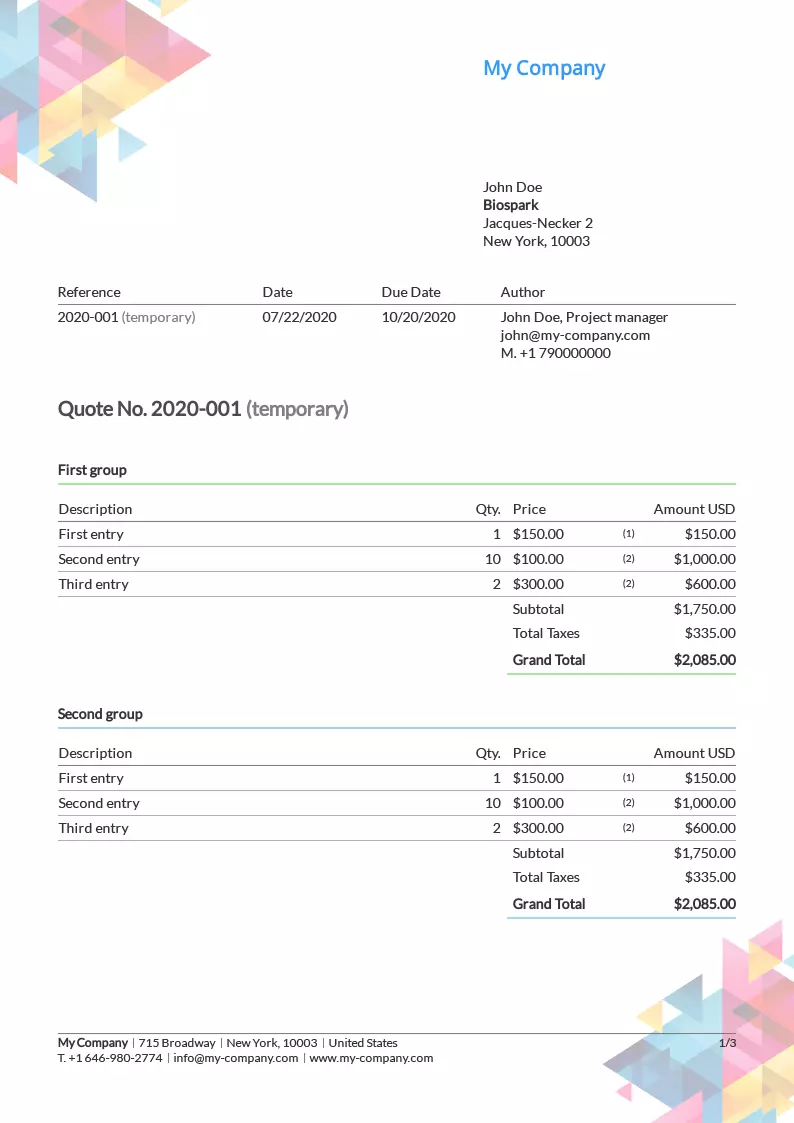
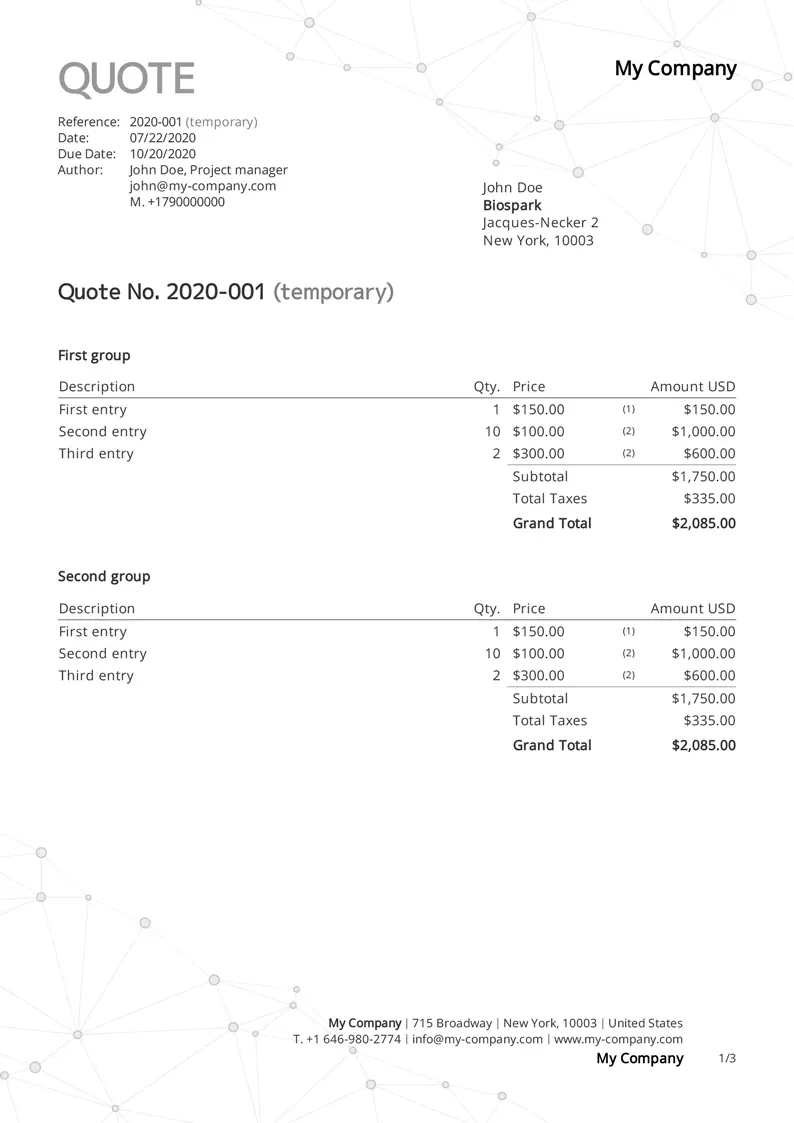
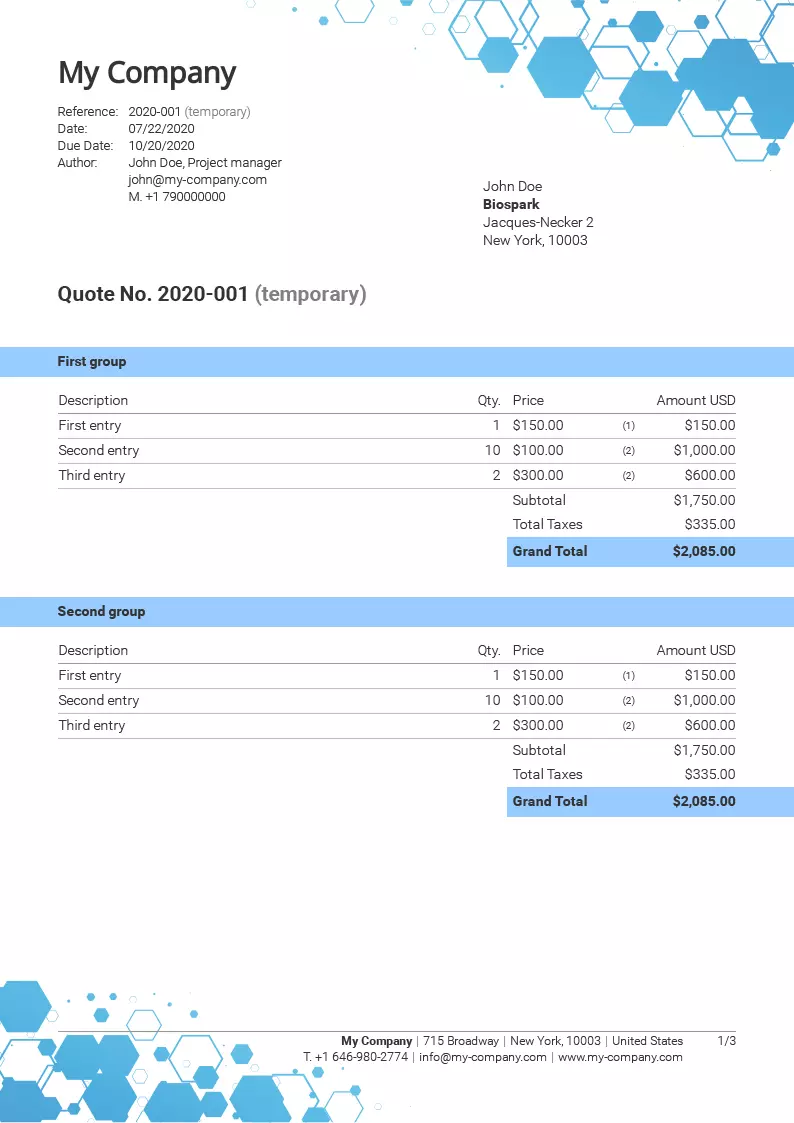
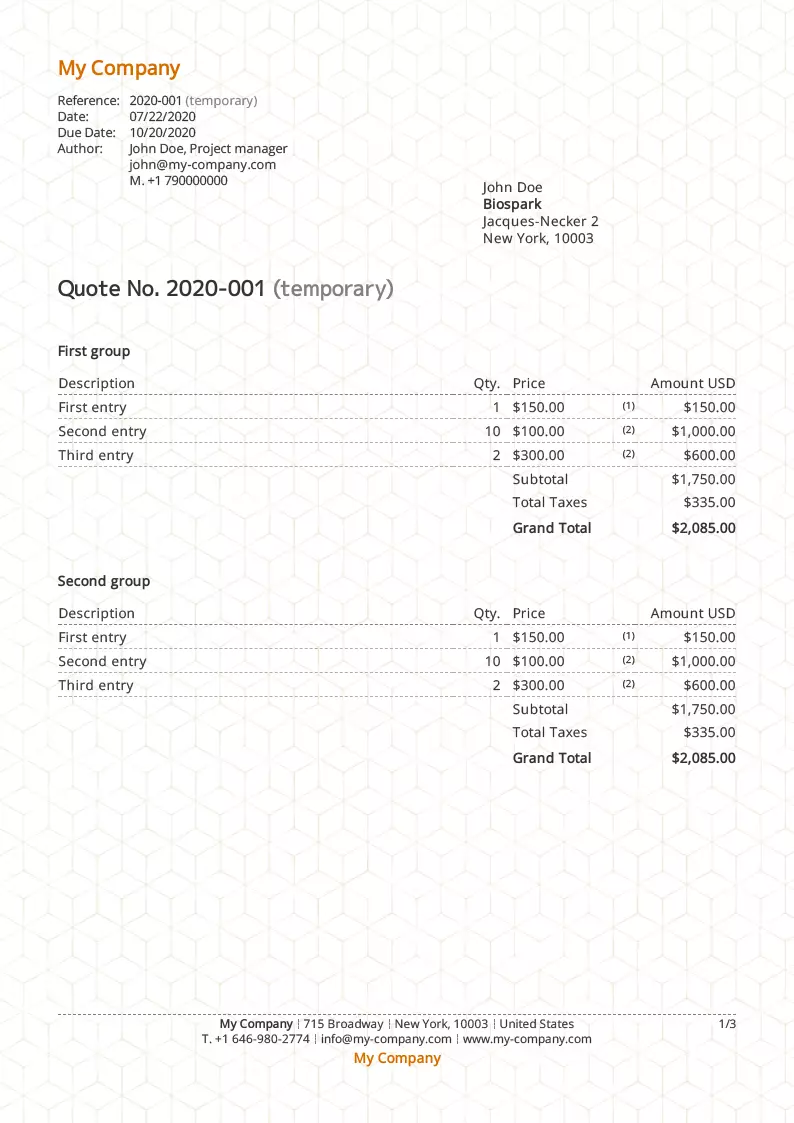
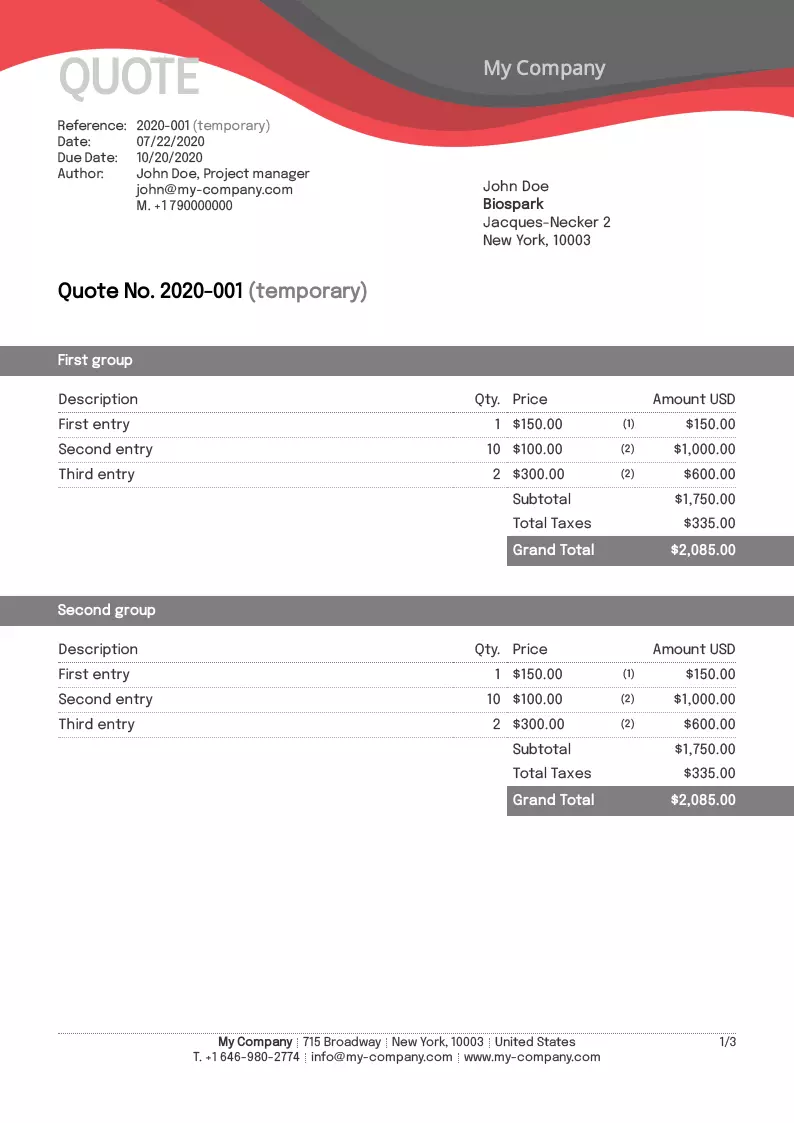
Templates entirely your own
Every template is a starting point, not a finished result. Colors, fonts, logo, background, element placement: everything is edited right inside Toolcie, with no technical skills required. Each template can spawn as many variants as you like: one style for your standard quotes, another for your premium offers, and another for a specific client. And installing them is unlimited and completely free.
- 900+ fonts available
- Text, background, and border colors
- Your company logo, with adjustable size
- Header, footer, and overall pattern backgrounds
- Importable letterhead
- Attachment before or after the document (cover page, brochure)
- Precise placement of the client address
- Hide or move any element
Like Excel and Word, but better
Imagine a tool with the calculation power of Excel and the layout ease of Word, but built for creating professional quotes and estimates. With Toolcie, you never have to worry about page breaks, calculation errors, or forgetting a required legal notice. Everything is handled automatically.
Why Toolcie for your quotes?
A template for the look, a complete tool to get from first draft to signed deal.
Compliant from day one
Tax fields, automatic numbering, and required notices are built into every template. No manual configuration on your part.
Preview and share online
See the final PDF before you send it, then share a direct link with your client. No attachment, no file to manage.
Electronic signature included
Your client signs directly from the link in their email. You’re notified instantly, and the signed original is archived automatically.
Real-time status tracking
Every quote shows its status in real time, from draft to client response. You always know exactly where each deal stands.
Convert to invoice in one click
Once a quote is accepted, turn it into a deposit, balance, or full invoice instantly. The template carries over automatically.
One template, every document type
Your logo, colors, and layout carry across every document you send. Set your visual identity once, and it stays consistent everywhere.
How does it work?
Three simple steps to install and use your free quote template.
Choose your template
Browse the library and click “Install” on the one that fits you
Create your account for free
Signing up takes a few minutes, no credit card
Your quote is ready
The template is applied to your account automatically, customizable at will
Even more features
A Toolcie template comes with all of these features included
Real-time PDF preview
See the final layout without generating a file. Exactly what your client will see.
Secure sharing link
Send a direct link instead of an attachment. Your client opens the quote from any device, no account needed.
Send by email
Send directly from Toolcie with a customizable message. No switching between your inbox and your software.
Versions and variants
Create a new version or variant in one click. Documents are automatically linked together.
Multi-group sections
Structure your quote in sections with subtotals per group. Ideal for phased projects or bundled offers.
Multi-dimensional units
Calculate in sq ft, cu ft, or with any custom formula. The result appears directly on the line item.
Margin calculator
Enter your unit cost and target margin. The selling price is calculated automatically.
Multiple discounts and fees
Apply several discounts and fees per line or per group, as a fixed amount or percentage.
Multiple tax rates
Handle several tax rates on a single document. Detailed, compliant breakdown based on your location.
Multi-currency
Bill in USD, GBP, EUR, and many other currencies for international clients.
Multilingual
Generate quotes in English or French based on your client’s language. One template, two languages available.
Terms and conditions
Add your terms at the top and bottom of the page. Preferences are saved per template.
Import items
Insert products, services, and packs from your catalog in one click. No re-entry.
Custom document label
Call it Quote, Estimate, Proposal, or Offer. Document types are fully customizable.
Collaborative work
Work on quotes with your team using customizable access rights. Ideal for partners and employees.
Tags and labels
Organize and find your quotes instantly with custom tags.
Results that speak for themselves
Join the professionals who have already accelerated their business
+2,000
Professionals
Freelancers, contractors, and businesses trust us
+300,000
Quotes generated
Thousands of quotes created every month with Toolcie
15
Templates available
Fully customizable and free to install
They love Toolcie
Professionals from every industry share their experience

Simple, transparent pricing
Start for free, upgrade as you grow
14-day free trial · No credit card required · Cancel anytime
Frequently asked questions
Everything you need to know about Toolcie templates
Go further
Explore our other features
Quoting software
Create professional multi-group quotes with electronic signatures and tracking.
Invoicing software
Turn accepted quotes into compliant invoices. Online payments, recurring billing, due-date alerts.
Invoice templates
Discover our free invoice templates, customizable and ready to install.
Start your 14-day free trial
Join more than 2,000 professionals who save time every day with Toolcie.
Free plan available. No credit card required. Cancel anytime.