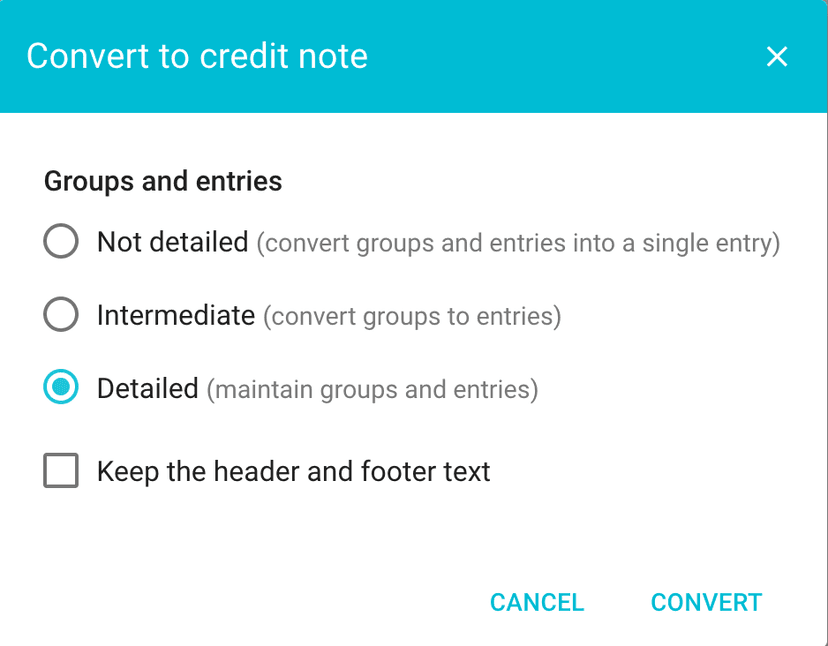
To create a credit note, go to the page listing all of your invoices, then click on the contextual menu  for the invoice in question, then click “Convert to credit note”
  .
.
The “Display linked invoices” button appearing on the page listing all invoices  allows you to show the original invoice and the credit note. This button appears automatically when a credit note exists.
All default settings for credit notes (such as the reference number format, text, etc.) can be found via the main menu in “Settings > Invoices”, then on the “Credit notes” tab.